Running fair online exams: settings that prevent cheating
You can't stop every trick, but the right exam settings make cheating hard and honest effort easy.
On this page
Online exams are convenient for everyone, including people who want to cheat. A few settings make a big difference without punishing honest students.
Shuffle questions and options
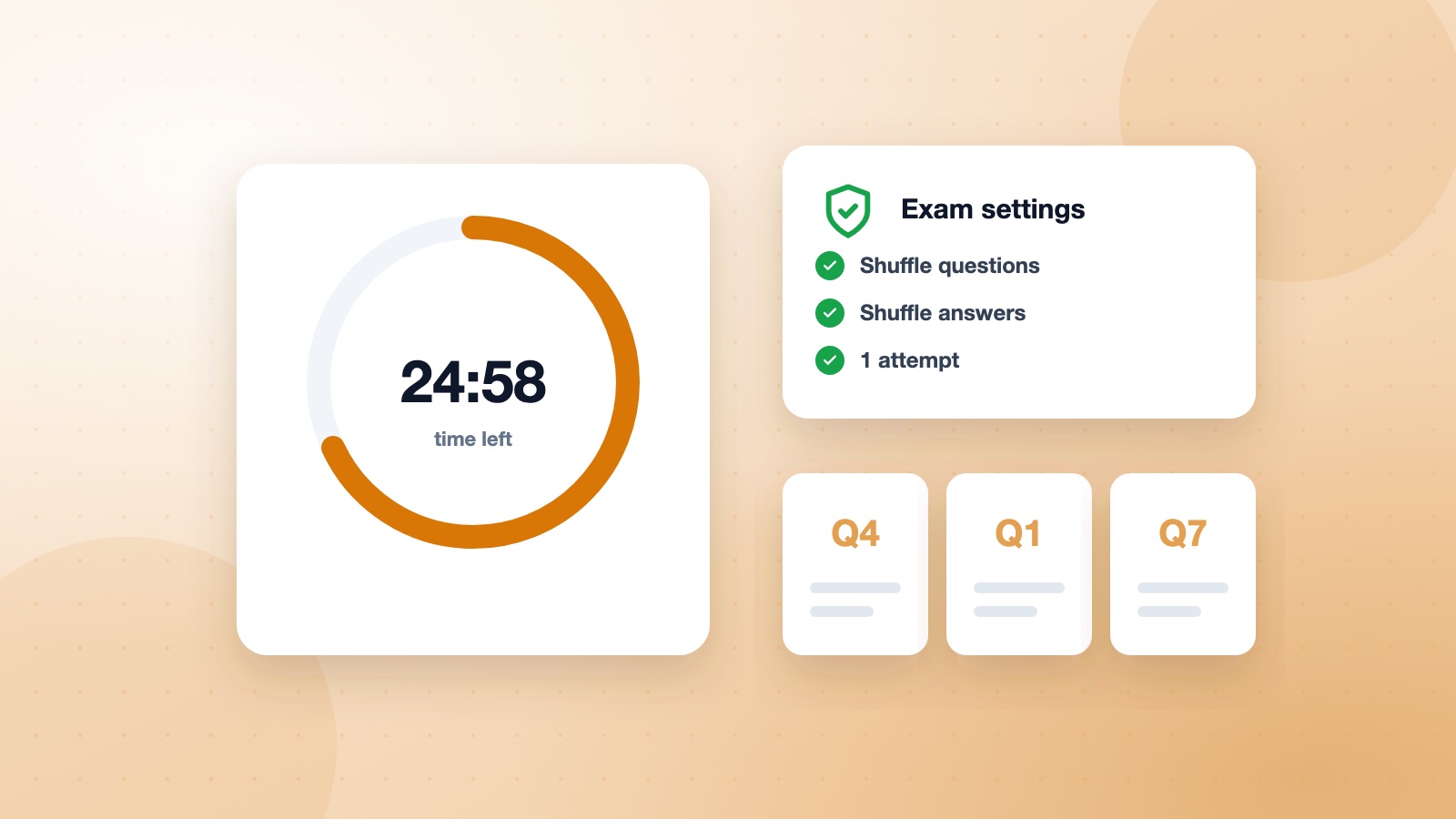
When every student sees a different order, sharing answers during the exam becomes much harder.
Use sensible time limits
Give enough time to answer comfortably but not enough to look everything up. Timing each section separately helps for longer exams.
Limit attempts and set a window
- One or two attempts for final exams.
- A start and end date so the exam isn't open forever.
- Release answers only after the window closes.
Write questions that reward understanding
Application questions are harder to search for than definitions. Mixing question types also helps.
Frequently asked questions
Can I stop students switching tabs?
No setting can fully control another person's computer, so combine timing, shuffling and good questions rather than relying on one measure.
What is a fair time limit?
Take the exam yourself and multiply your time by two or three, depending on the difficulty.
Should I show correct answers after the exam?
For practice, yes, right away. For graded exams, after everyone has finished.