
Appearance
Admin Guide
The Admin Panel is your command centre for running the entire Quizora platform. Access it at https://yourdomain.com/admin.
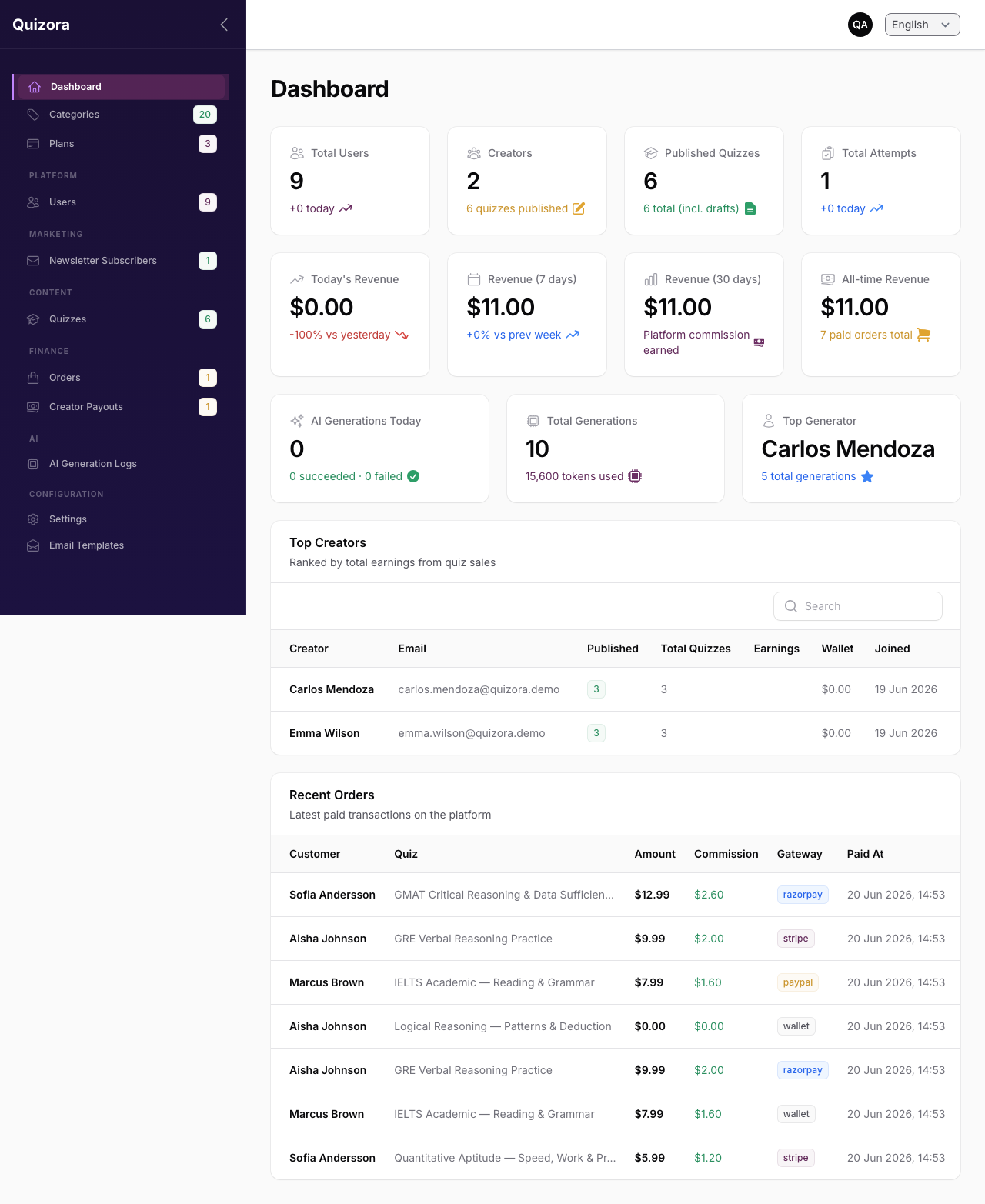
Dashboard
The dashboard gives you an at-a-glance view of platform health:
- Revenue — Today, last 7 days, last 30 days
- Top Creators — By quiz sales
- AI Usage — Generations today, total tokens used, top AI users
- Platform Health — Queue depth, failed background jobs
Managing Users
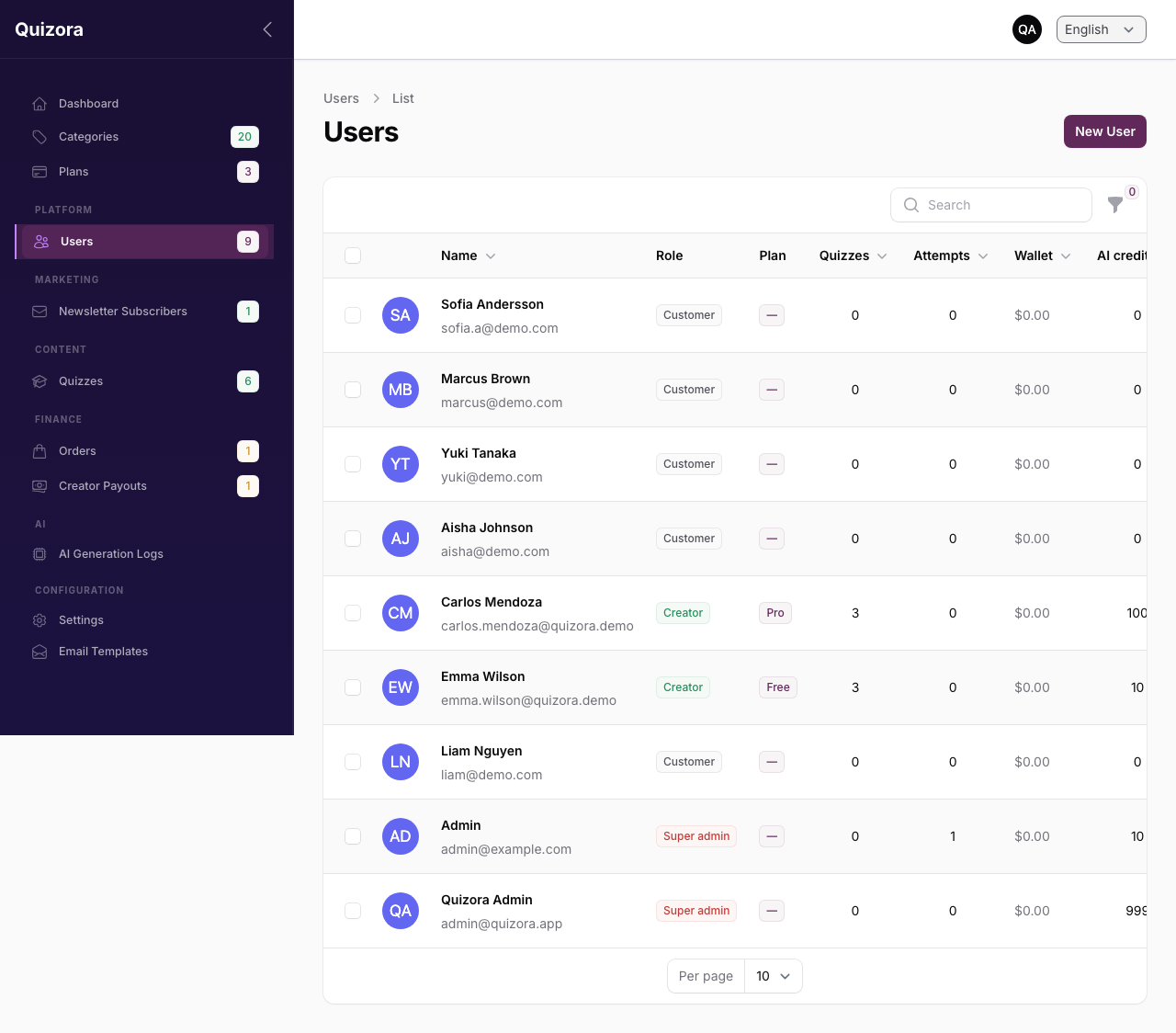
Admin → Users
Here you can:
- View all registered users (creators and customers)
- Search by name or email
- Activate / deactivate accounts
- Change a user's role (e.g. promote a customer to creator)
- Assign a subscription plan manually
- Grant or revoke the
ai.unlimitedpermission (bypasses AI credit limits)
Deactivating vs Deleting
Deactivating a user prevents them from logging in but preserves their data. Quizora does not permanently delete user accounts — deactivation is the recommended approach.
Categories
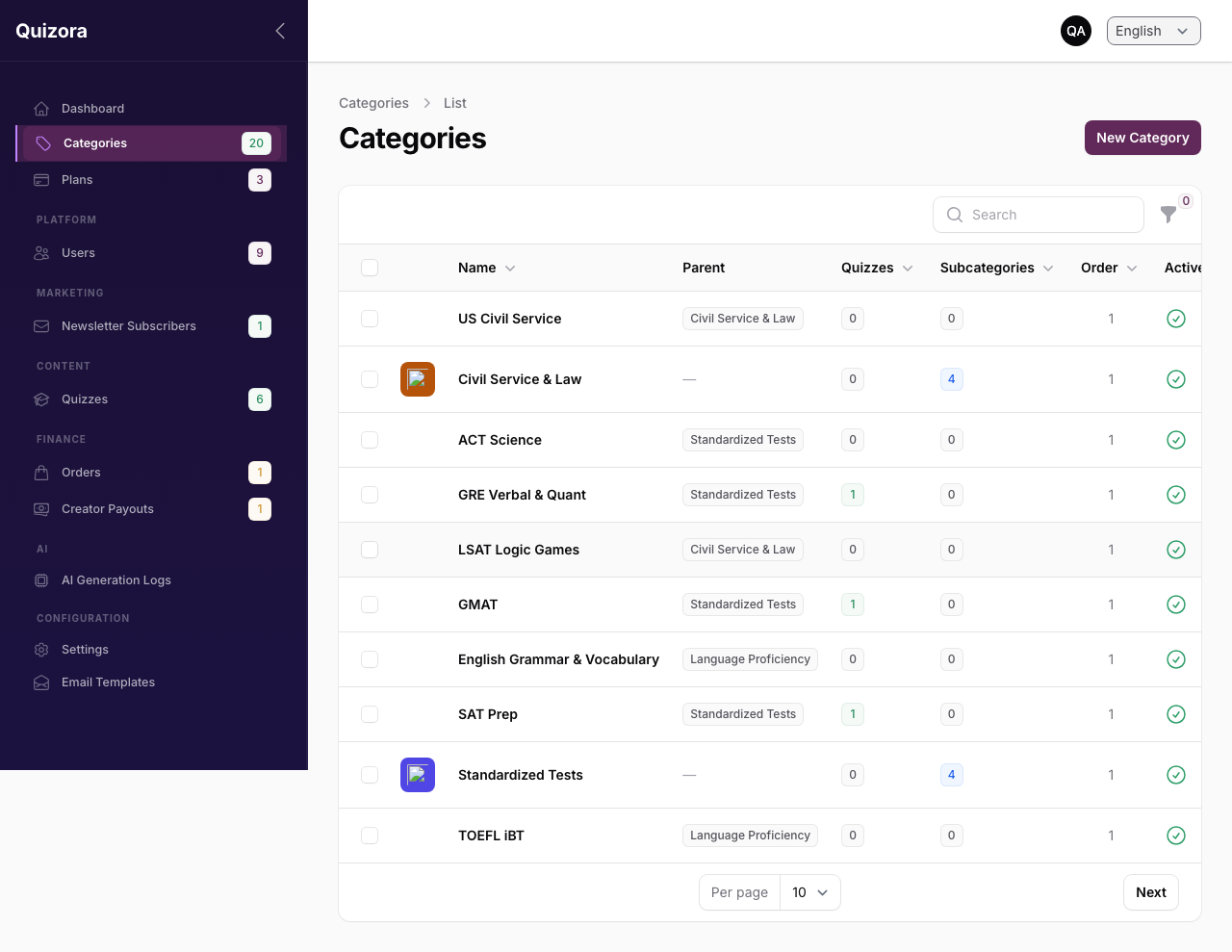
Admin → Categories
Categories organise quizzes on the discovery page. Each category has:
- Name and URL slug
- Optional icon and colour (shown on the category cards)
- Optional parent category (for subcategories)
- Sort order
20 default categories are seeded during installation. You can edit, add, or reorder them at any time.
Subscription Plans
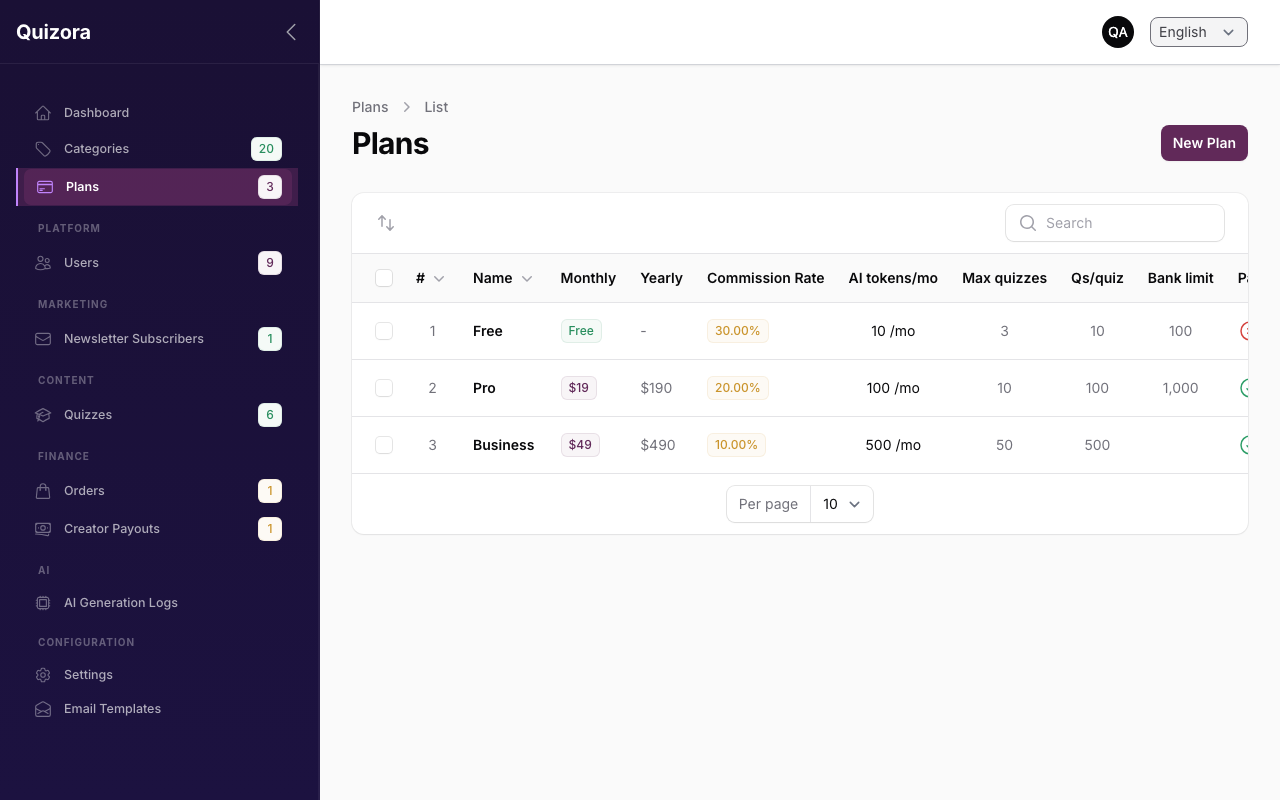
Admin → Plans
Plans control what creators can do on the platform. Each plan has:
| Setting | Description |
|---|---|
| Name | Displayed to creators (e.g. Free, Pro, Business) |
| Monthly / Yearly Price | Set to 0 for a free plan |
| AI Free Generations | How many prompts are free per billing period |
| AI Charge per Generation | Cost per prompt beyond the free quota |
| Commission Rate | Your platform's cut of quiz sales for this plan |
| Max Published Quizzes | Leave blank for unlimited |
| Can Sell Paid Quizzes | Toggle — prevents free-tier creators from charging |
Three default plans are seeded: Free, Pro, Business.
Reviewing Quizzes
Admin → Quizzes
You can see all quizzes across the platform:
- Filter by status (draft, published, archived)
- View quiz details and questions
- Feature a quiz (appears in the "Featured" section on the homepage)
- Archive or remove a quiz that violates platform rules
Orders
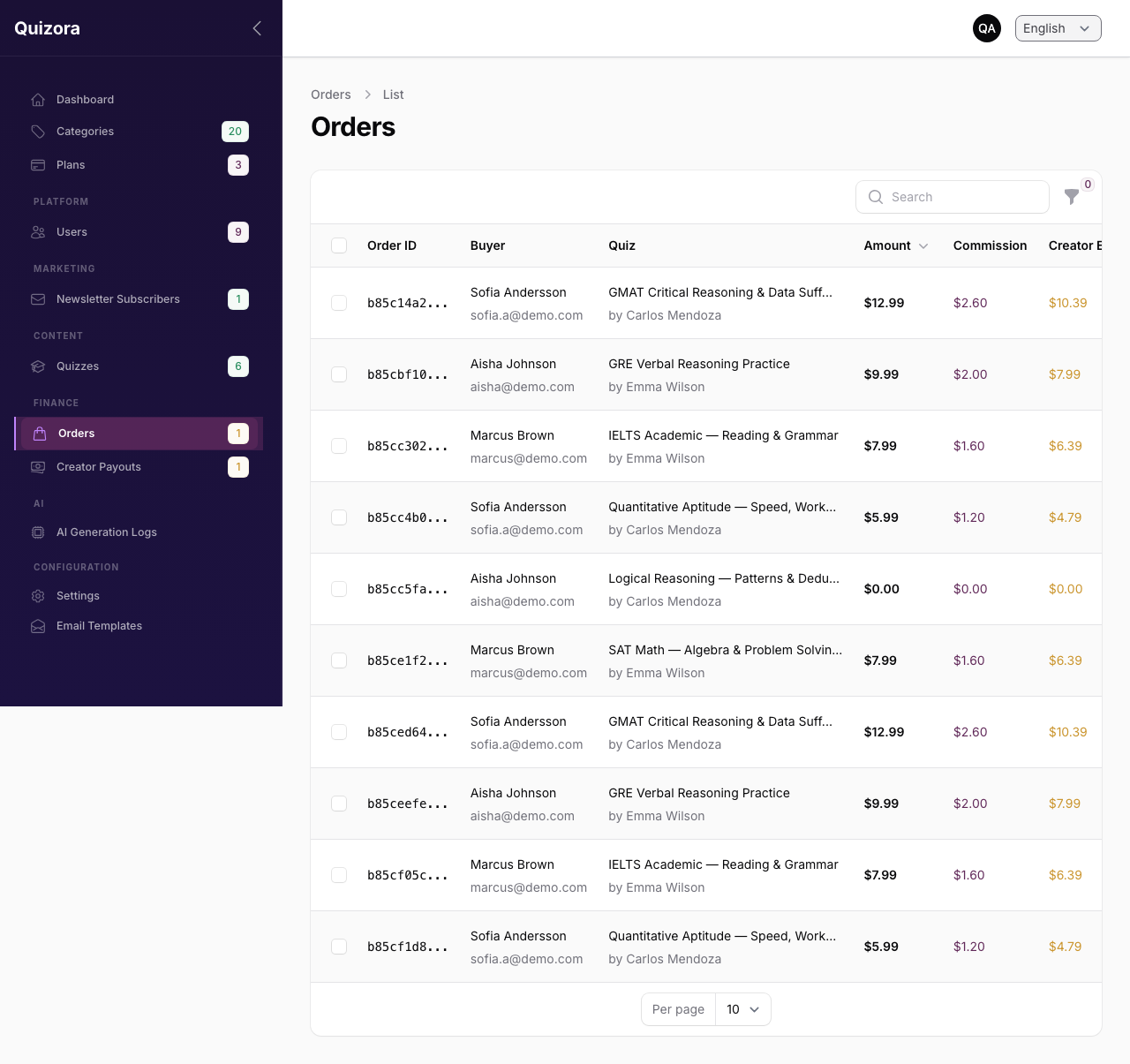
Admin → Orders
All purchase transactions appear here. You can:
- Filter by status (pending, paid, failed, refunded)
- View payment details and gateway reference IDs
- Issue a refund (action available on paid orders)
Creator Payouts
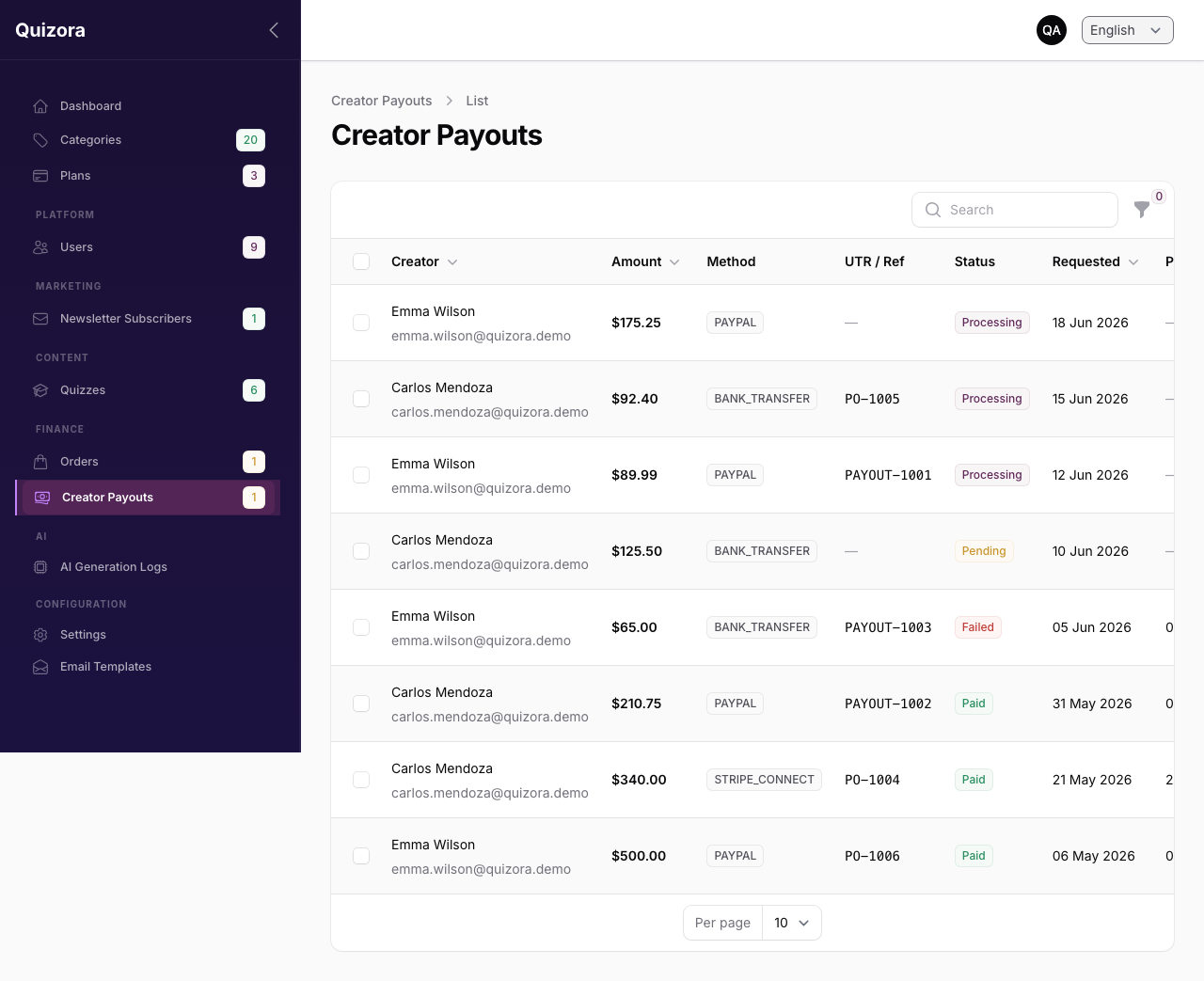
Admin → Payouts
When creators request a payout, it appears here in a Pending state.
To process a payout:
- Click the payout request to view details
- Transfer the amount via your preferred method (bank transfer, UPI, PayPal)
- Click Mark as Paid and enter the gateway reference number
AI Generation Logs
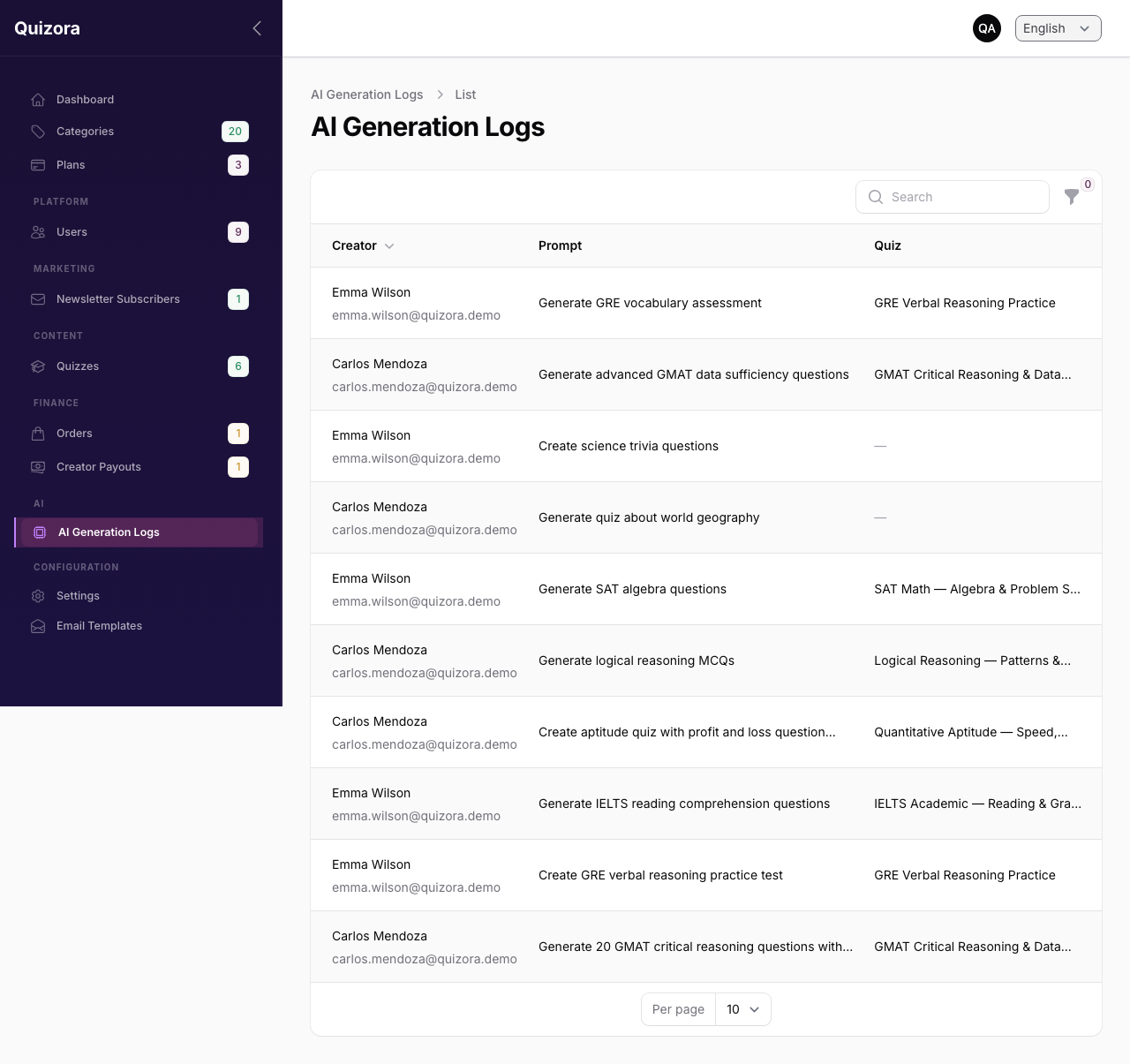
Admin → AI Logs
A full audit trail of every AI generation request:
- Which creator ran the prompt
- The topic they entered
- How many tokens were used
- Whether it was free or charged
- Success/failure status
Use this to monitor usage, spot abuse, and troubleshoot generation failures.
Platform Settings
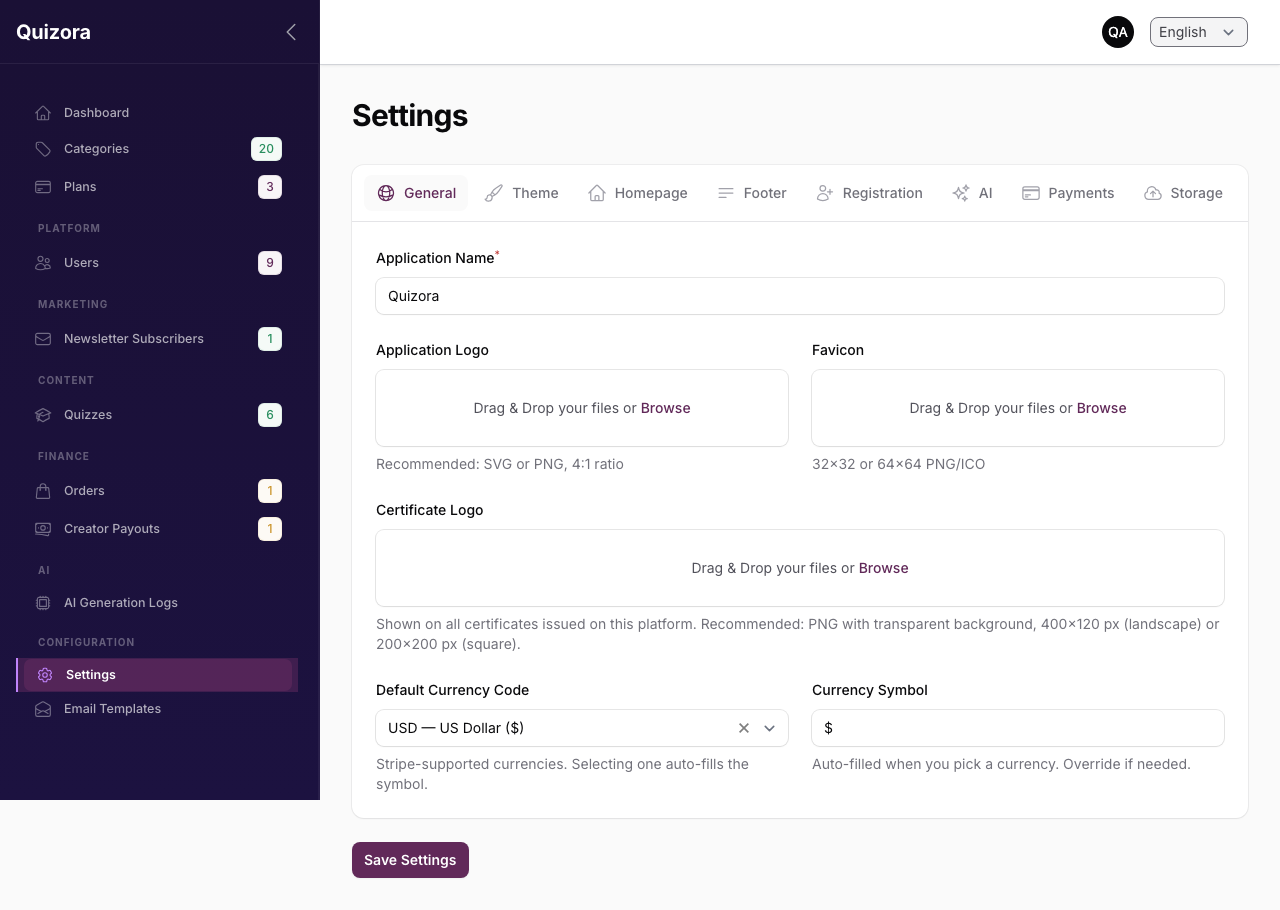
Admin → Settings
See individual configuration guides:
Language
The Admin Panel supports English and Hindi. Use the language switcher in the top-right corner to change your display language. The change applies only to your session.